This is an interactive notebook. You can run it locally or use the following links:
Install the dependencies
Before starting, install the libraries used throughout the tutorial. This tutorial uses the following libraries:- DSPy to build and optimize the LLM workflow.
- Weave to track the LLM workflow and evaluate prompting strategies.
- datasets to access the BIG-Bench Hard dataset from HuggingFace Hub.
Enable tracking using Weave
This section configures Weave so that subsequent DSPy calls in the tutorial are automatically traced and viewable in the Weave UI. Weave integrates with DSPy. Includingweave.init at the start of your code automatically traces your DSPy functions, which you can then explore in the Weave UI. For more information, see the Weave integration docs for DSPy.
weave.Object to manage metadata.
Load the BIG-Bench Hard dataset
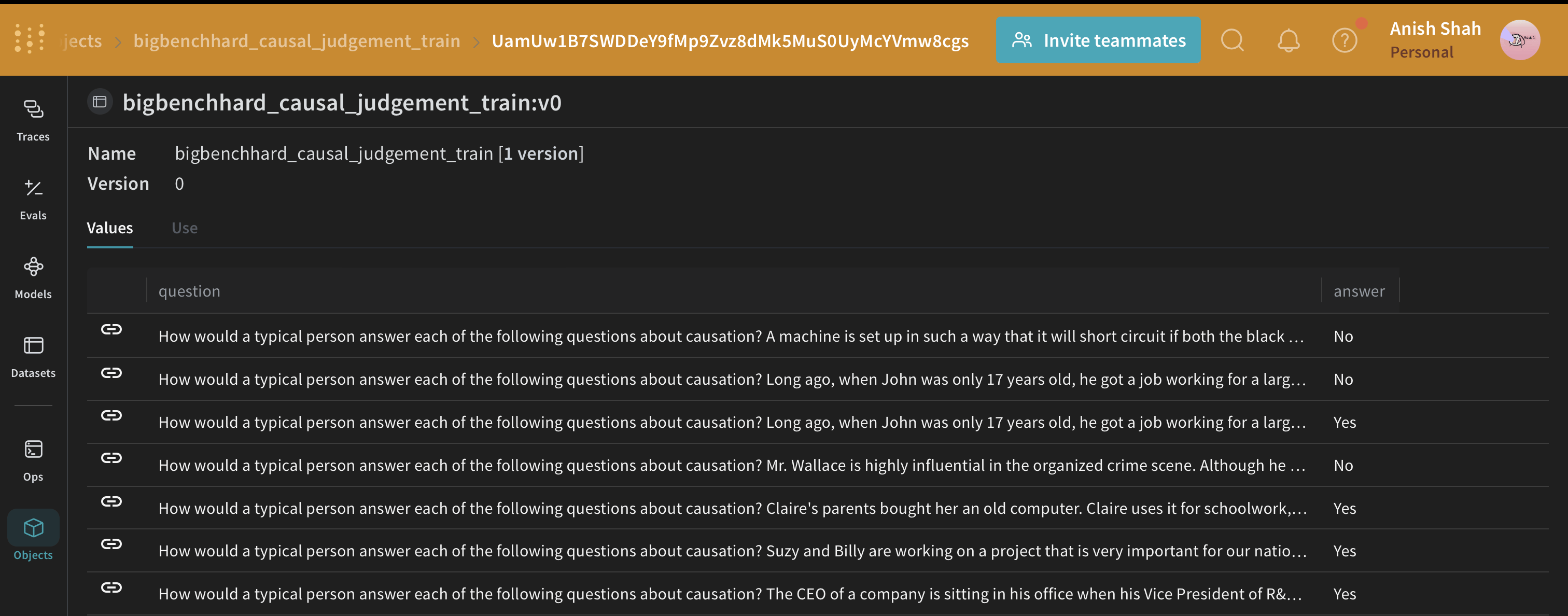
With Weave tracking enabled, the next step is to prepare the data used to train and evaluate the DSPy program. Load this dataset from HuggingFace Hub, split it into training and validation sets, and publish them on Weave. Publishing lets you version the datasets and also useweave.Evaluation to evaluate your prompting strategy.
The DSPy program
With the dataset published to Weave, you can now define the baseline DSPy program that you later evaluate and optimize. DSPy is a framework that pushes building new LM pipelines away from manipulating free-form strings and closer to programming (composing modular operators to build text transformation graphs), where a compiler automatically generates optimized LM invocation strategies and prompts from a program. Usedspy.LM to configure the language model and dspy.configure to set it as the default.
Write the causal reasoning signature
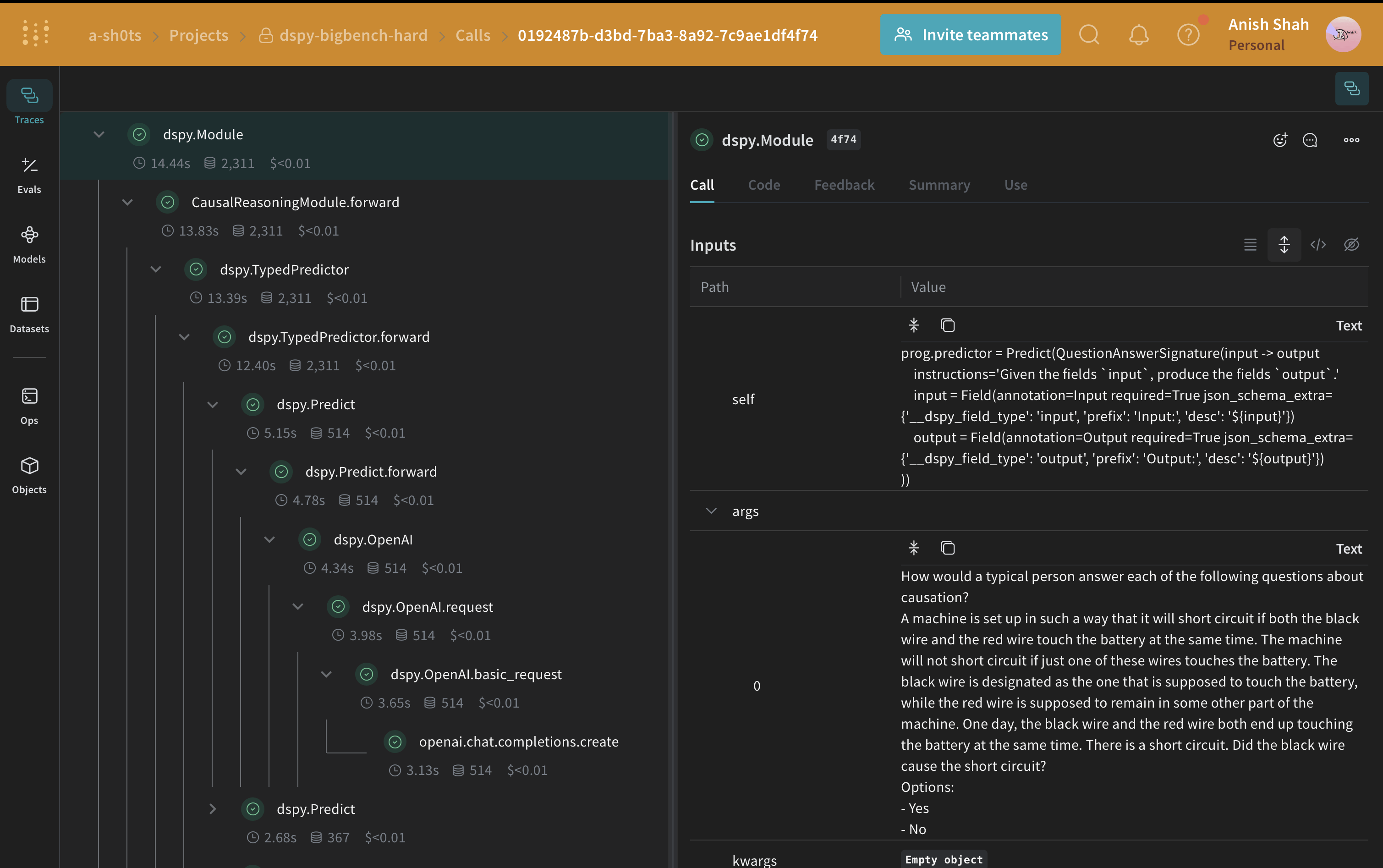
A signature is a declarative specification of input/output behavior of a DSPy module. DSPy modules are task-adaptive components (akin to neural network layers) that abstract any particular text transformation.CausalReasoningModule) on an example from the causal reasoning subset of BIG-Bench Hard.
Evaluate the DSPy program
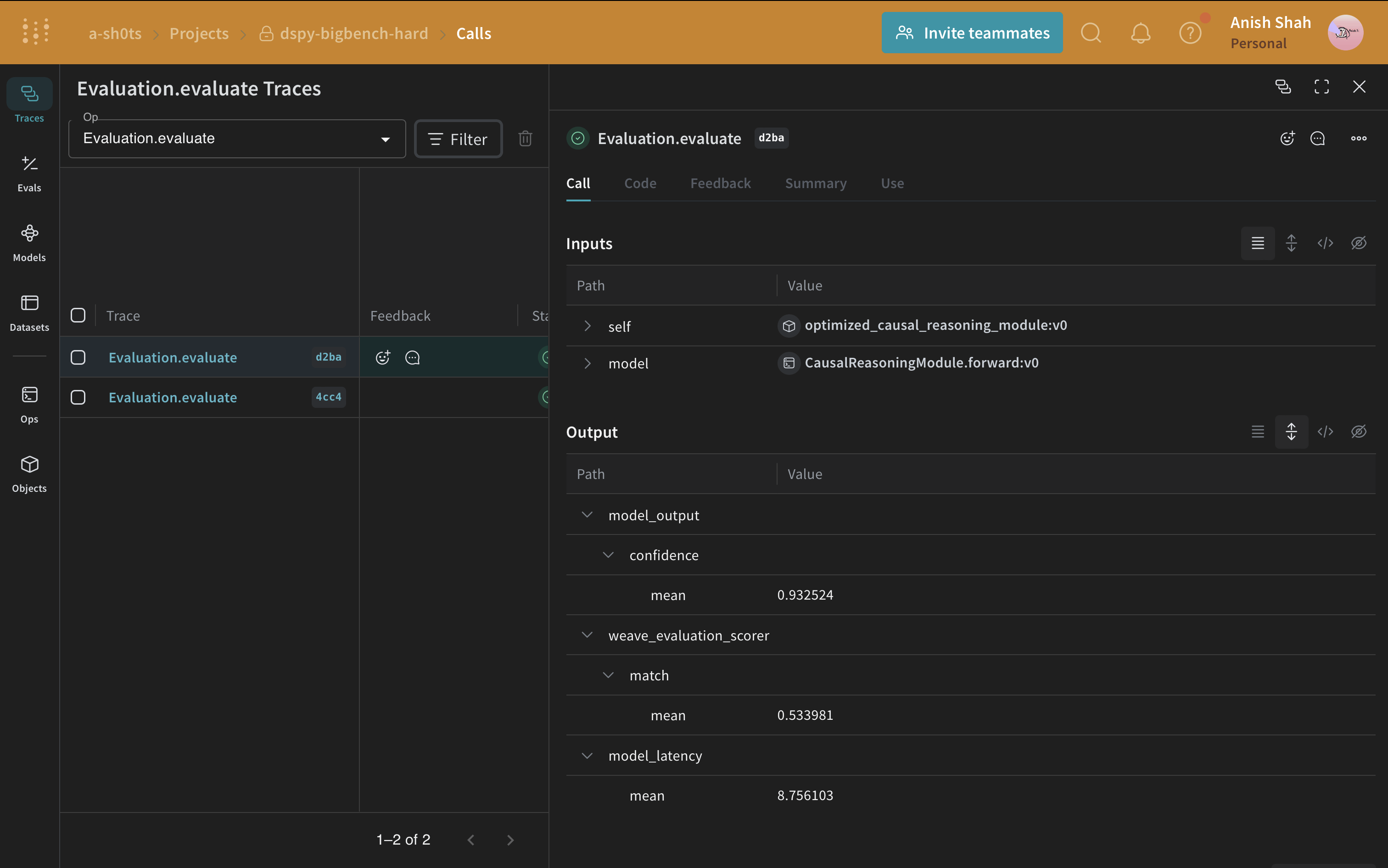
Now that you have a baseline prompting strategy, evaluate it on the validation set usingweave.Evaluation with a metric that matches the predicted answer with the ground truth. Weave takes each example, passes it through your application, and scores the output on multiple custom scoring functions. This gives you a view of the performance of your application, and a rich UI to drill into individual outputs and scores.
First, create a scoring function that determines whether the predicted answer matches the ground truth. Weave scoring functions receive the model’s return value as output and any matching keys from the dataset example as additional arguments. Here, answer comes from the dataset and output is the dict returned by CausalReasoningModule.forward.
weave.Evaluation can call. The wrapper’s argument names must match the dataset column names that the model consumes.
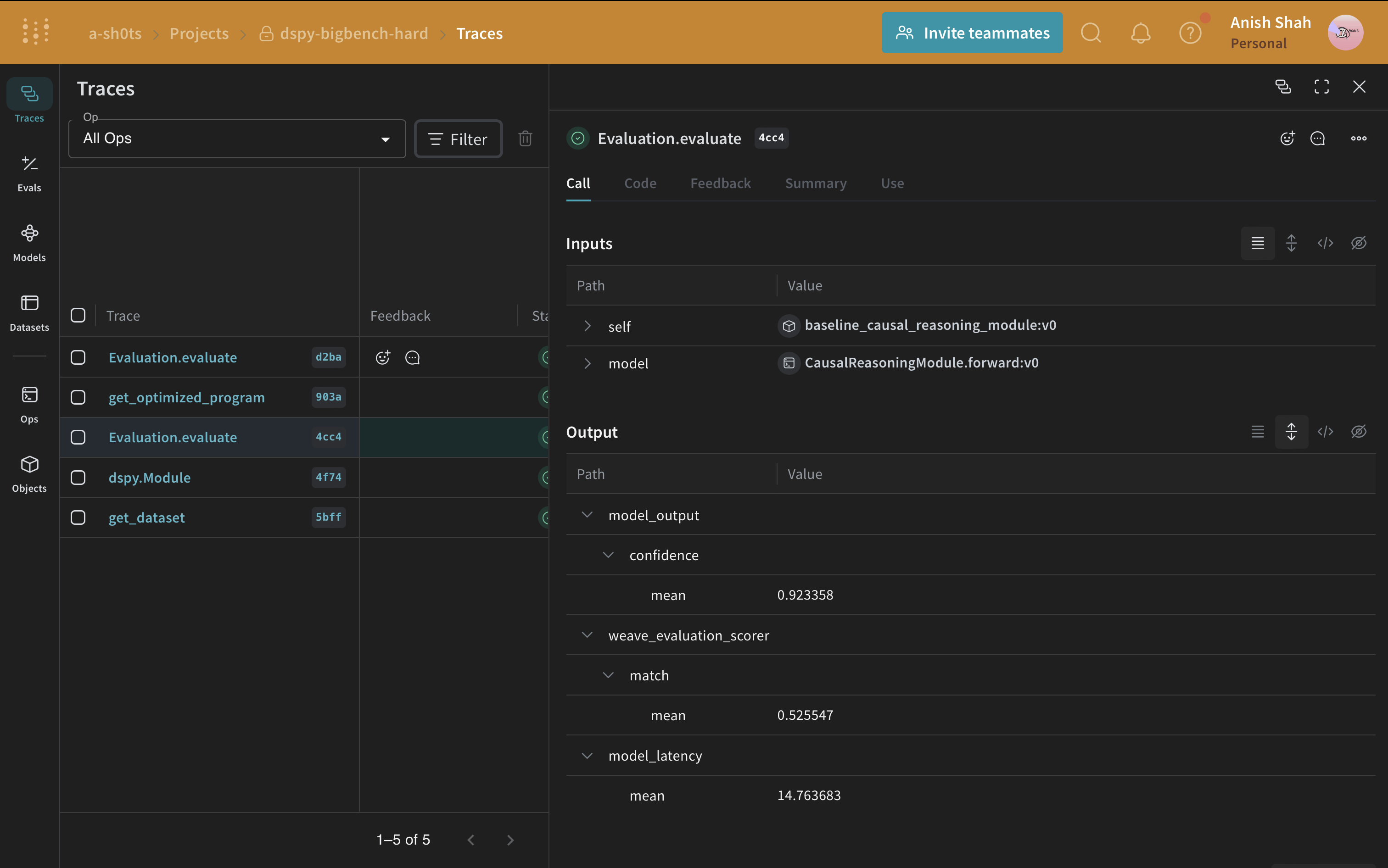
If you’re running from a Python script, you can use the following code to run the evaluation:
Optimize the DSPy program
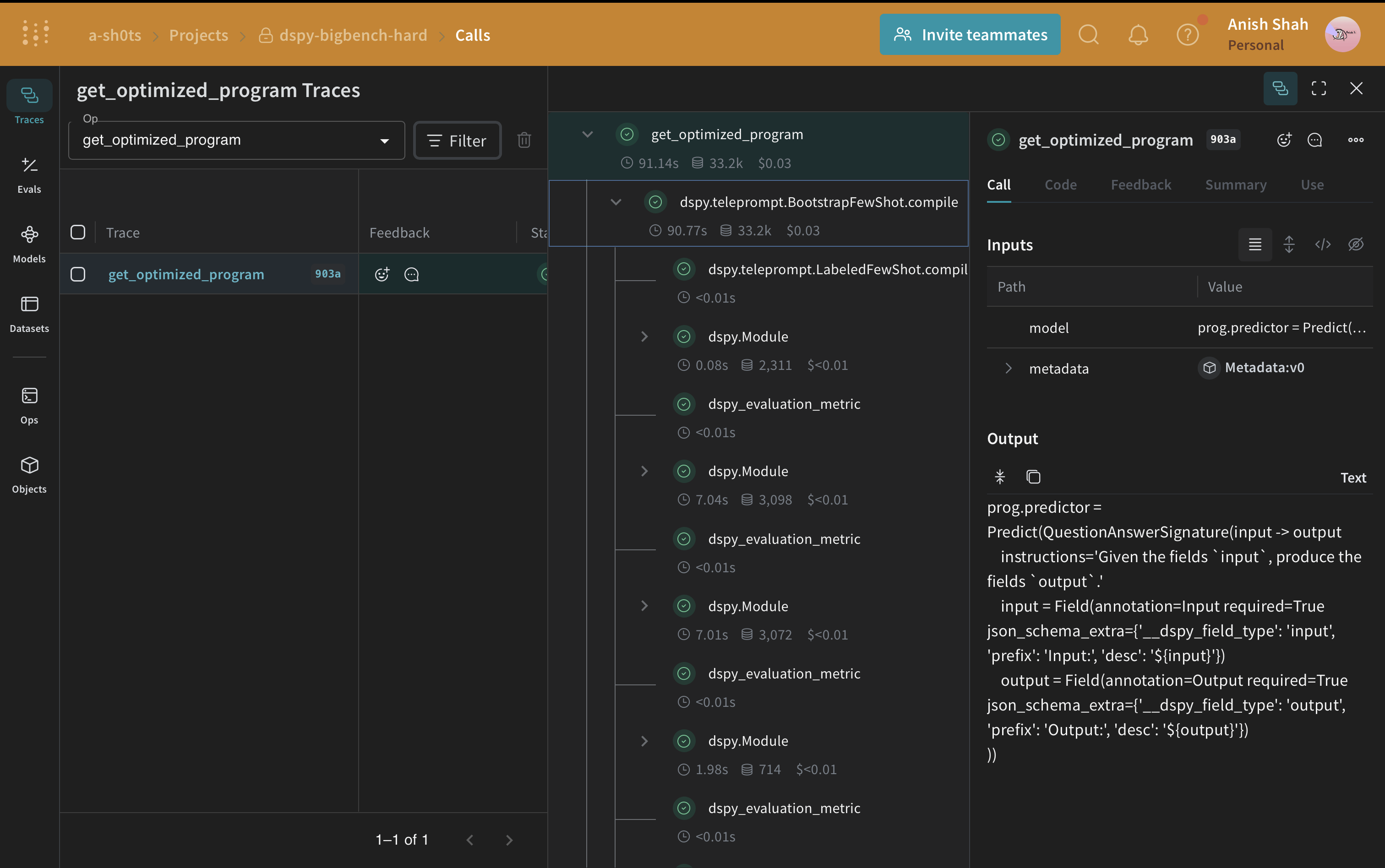
With the baseline performance measured, you can now apply a DSPy optimizer and compare the result to the baseline. Now that you have a baseline DSPy program, improve its performance for causal reasoning using the BootstrapFewShot optimizer, which can tune the parameters of a DSPy program to maximize the specified metrics.