moviepy. You can pass video inputs and outputs to traced functions, and Weave automatically handles uploading and storing video data.
Video support is available in Python only.
Usage prerequisites
Before you log videos with Weave, complete the following prerequisites:- Install
weaveandmoviepy==1.0.3. - Create a W&B account.
Supported video types
Weave handles different types ofmoviepy clips in different ways. Knowing which type you’re working with helps you understand how Weave uploads and stores your video data.
Weave recognizes moviepy video clip objects, such as:
VideoFileClipobjects loaded from a video file.- In-memory clips like
ImageClip,ColorClip, andTextClip.
Direct upload of file-based clips
If your clip is aVideoFileClip and has a valid filename with a supported extension, Weave uploads the file directly.
Supported file extensions:
.mp4.webm.gif
In-memory clip support
If the video object is in memory (no file on disk), Weave encodes it as an.mp4 file and handles the upload automatically. This applies to clips of the following types:
ImageClipColorClipTextClip
Example: Trace a video function
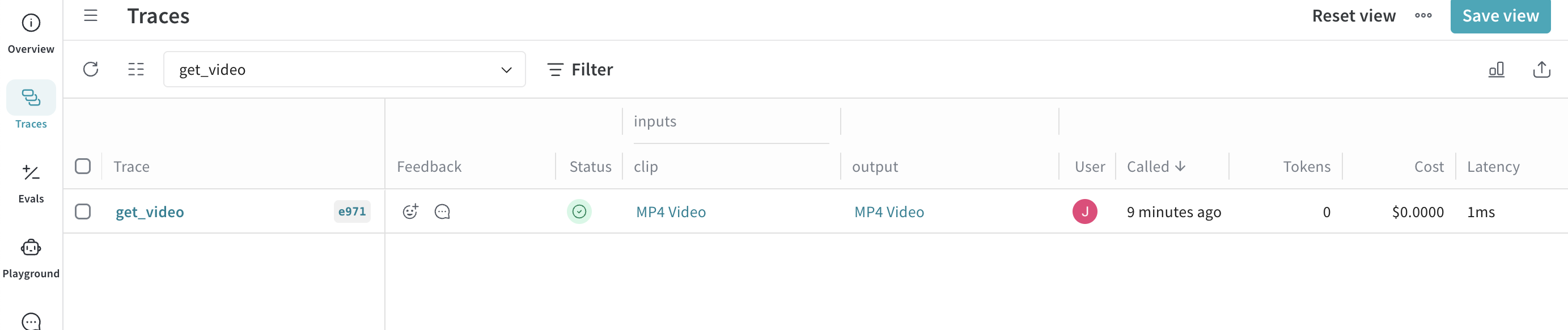
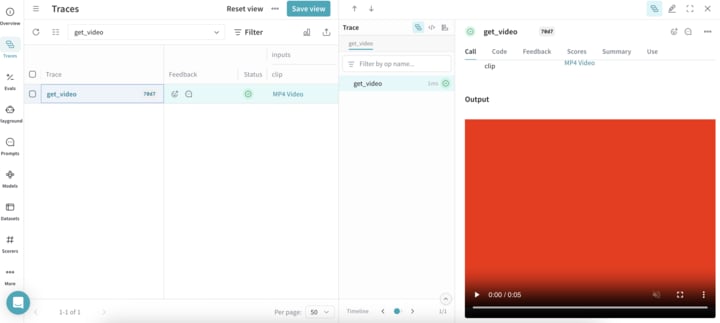
The following code sample demonstrates how to trace a video processing function in Weave. The code sample:- Initializes a Weave project
video-test. - Defines a
get_videofunction tracked as aweave.opthat extracts a 1-second subclip of the loadedVideoFileClipas aVideoClip. - Uploads and tracks the clip in Weave.
- Automatically generates a placeholder MP4 video if none is found.